
Best Printers for Small Businesses in New Zealand
If you’re running a small business in New Zealand, you already know that every dollar matters. One of the most overlooked decisions that can impact both your budget and daily workflow is choosing the right printer. On the surface, buying a printer might seem simple — after all, aren’t all printers basically the same? But once you start shopping and comparing features, costs, and long‑term reliability, you quickly realise that there’s a big difference between a good business printer and a cheap one that ends up costing you more down the track.
This guide is designed to take the confusion out of the process. By the time you finish reading, you’ll know what matters most for your business, how to avoid expensive mistakes, and which types of printers are best suited to different business needs in the New Zealand market.
Why Your Printer Choice Really Matters
You might not think about it every day, but your business printer is one of the few pieces of hardware you use constantly — for printing invoices, contracts, marketing flyers, shipping labels, presentation materials, and more. A reliable printer can streamline your workflows, reduce stress, and even help project a more professional image to clients. On the other hand, the wrong printer can cause frustration, waste money, and slow down your operations.
Consider this: cheap printers often have low upfront prices, which seems appealing when you’re trying to keep costs down. However, these models typically come with small ink cartridges or toner, slower print speeds, and limited durability. You may find yourself replacing ink cartridges more often than you expected, dealing with paper jams and maintenance issues, or even buying a replacement much sooner than necessary. Over the lifespan of the device, these hidden costs can far outweigh the initial savings.
So the goal isn’t just to buy the cheapest printer — it’s to buy the right printer for your specific business needs. That’s where understanding key features, print volume, and technology can make all the difference.
Understanding Your Printing Needs
Before you dive into shopping, take a moment to think about how you actually use printing in your business. Ask yourself several questions:
- What types of documents do you print most often?
Are you mostly printing text documents like invoices, contracts, or letters? Or do you also need colour printing for brochures, flyers, and marketing materials? If your printing is mostly text, a monochrome printer (black and white only) might be the best, most cost‑effective choice. If colour printing is frequent and important for your business branding, then a colour printer with efficient ink delivery will be worth the investment. - How many pages do you print each month?
This is one of the most critical factors. If you’re printing just a few dozen pages per month, a small multifunction inkjet printer might be sufficient. But if you’re printing hundreds or even thousands of pages each month, you need a device designed for a heavier workload — otherwise you’ll be replacing consumables constantly and dealing with frequent downtime. - Do you need scanning or copying capabilities?
Many small businesses benefit from a multifunction printer (MFP), which combines printing, scanning, copying, and sometimes faxing into one machine. These all‑in‑one devices help reduce clutter, save office space, and consolidate maintenance costs. However, if you already have a separate scanner or you rarely scan documents, a single‑function printer might be more cost‑effective. - Will multiple people need to use the printer?
For a shared office environment, you’ll want a printer with good networking features — ideally wireless connectivity, support for mobile printing, and possibly an Ethernet port for reliable network access. Printers with strong connectivity make life easier for everyone in the team and reduce IT support time.
By answering these questions honestly, you’ll be much better positioned to select a printer that suits your workflow — and avoid buying something that looks good on paper but doesn’t perform well in real life.
Comparing Printer Technologies: Inkjet vs. Laser
When it comes to printer technology, there are two main types you’ll encounter: inkjet and laser. Each has its strengths and weaknesses depending on how you plan to use it.
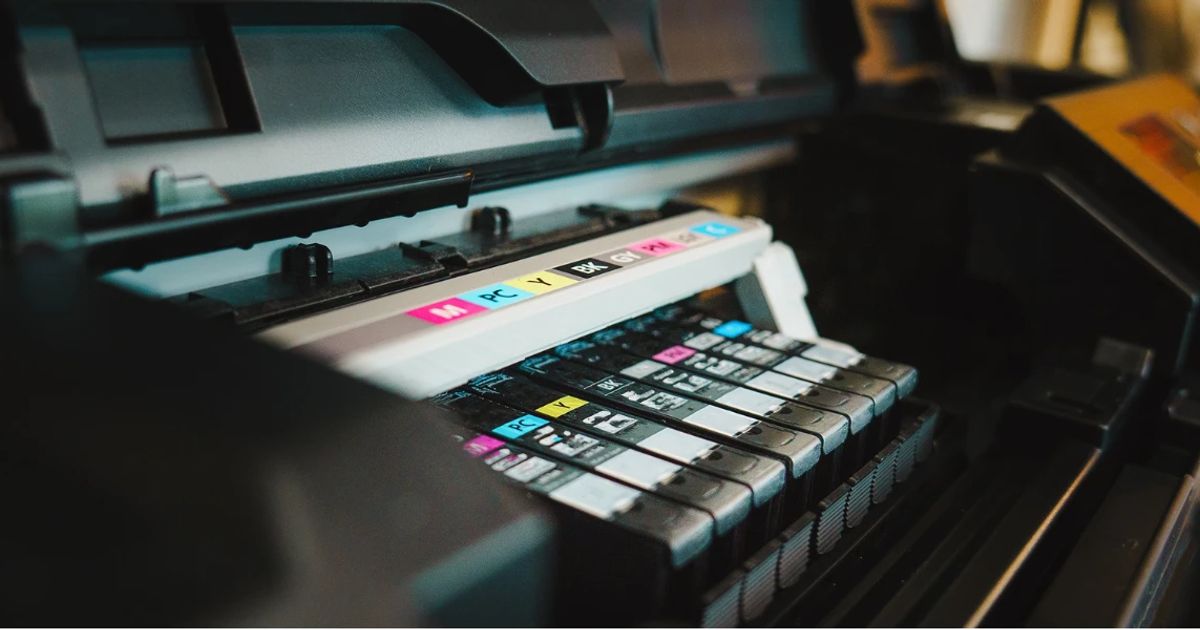
Inkjet printers work by spraying tiny droplets of ink onto the paper. They can produce excellent colour quality, making them great for printing photos, colourful charts, brochures, or marketing materials. Modern inkjet models designed for business use often include refillable ink tanks (sometimes called EcoTank or MegaTank systems), which significantly reduce the cost per page compared to traditional cartridges.
However, inkjets tend to be slower than laser printers when it comes to large print jobs. They may also require regular use to avoid ink drying and clogging, which is something to consider if your printing needs are irregular.
Laser printers, on the other hand, use toner and an electrostatic printing process. They excel at printing crisp text quickly and reliably, making them ideal for offices where the main output is invoices, letters, reports, and other text‑heavy documents. Laser printers typically have lower long‑term cost per page, especially monochrome laser models, because toner cartridges last much longer than ink cartridges and can handle high print volumes without frequent replacement.
Colour laser printers are also available, and while they are more expensive upfront, they often deliver excellent quality and lower operating costs if your business does a lot of colour printing.
Key Features to Consider (Explained Simply)
Now that you understand the two main technologies, let’s talk about the features that really matter in a business printer — explained in a way that will help you make the right choice without jargon.
Print Speed
Measured in pages per minute (ppm), print speed matters if multiple people are printing frequently. Slow printers can create bottlenecks in busy offices, especially during peak times like morning rush hours or right before meetings.
Paper Capacity
A printer with a larger paper tray means less frequent refilling — a small convenience that can save a surprising amount of time over weeks and months. If your business prints lots of documents daily, look for models with trays that hold 250 pages or more.
Connectivity
Modern offices expect printers to connect seamlessly. Most business printers now support wireless printing, which lets your team print from laptops, tablets, and phones without cables. Ethernet capability is also useful for larger teams, while USB is essential if you need direct connections.
Mobile and Cloud Printing
Being able to print directly from your phone or cloud storage (like Google Drive or Dropbox) is incredibly convenient, especially in dynamic work environments. If your team frequently works from different devices, make sure the printer supports mobile printing standards like AirPrint (for Apple devices) or Mopria (for Android).
Multifunction Capabilities
Scanning, copying, and sometimes faxing can all be included in one machine. While this might increase the initial cost, it often reduces the need for multiple devices and simplifies support and maintenance.
Running Costs
Upfront price is just part of the story. Toner and ink costs, how many pages each cartridge yields, and how often you have to replace consumables all affect your long‑term budget. Laser printers tend to have lower running costs for text‑heavy offices, while refillable tank inkjets can be more economical for colour printing.
Printer Recommendations for Small Businesses in New Zealand
There’s no single “best” printer for every business, but there are excellent options depending on how you work and what you print most. Below, I’ll describe what kinds of businesses are best suited to different types of printers and why.
First, if your printing needs are mostly text‑based — like invoices, reports, forms, and internal correspondence — then a monochrome laser printer is a smart choice. These printers are generally fast, reliable, and have low cost per page. They won’t give you colour photos, but for many offices, crisp black‑and‑white printing is all you need.
If, however, you frequently create colour materials like brochures, proposals with charts, or marketing flyers, then a colour laser printer or a high‑capacity inkjet with refillable tanks will serve you better. Colour laser models combine fast speeds with durable toner cartridges, while inkjet tank systems can deliver excellent colour at a lower price per page — especially when printing moderately sized colour jobs.
Multifunction printers that combine scanning and copying are often the sweet spot for small offices, because they remove the need to buy separate devices. Just make sure the model you choose has good scan quality and intuitive controls.
Finally, don’t forget to check connectivity features. A printer that connects easily over Wi‑Fi and supports mobile printing is almost essential in today’s flexible workplaces.
Avoiding Common Printer Mistakes
Many small business owners make similar mistakes when buying printers. One common error is focusing only on the upfront price. A printer that costs less in the beginning may have expensive cartridges, slow speeds, or limited durability — all of which add hidden costs over time. Take the time to check cost per page estimates and look for models where toner or ink cartridges yield a high number of pages.
Another mistake is not considering network and mobile printing support. A printer that’s difficult for staff to connect to can cause frustration and lost productivity. Always choose models with strong wireless and cloud features if multiple people need access.
Finally, it’s worth thinking about future needs. Your business may grow, or your printing habits might change. Picking a printer with scalable features — like larger paper capacity or faster print speeds — can save you having to upgrade too soon.
Tips for Getting the Most Value from Your Printer
Once you’ve chosen a printer, you can take several steps to extend its life and reduce ongoing costs. For example, using duplex printing (printing on both sides of the paper) can cut your paper use in half, which quickly reduces expenses. Setting default print settings to draft mode for internal documents can save ink and toner without noticeable loss in quality.
Regular maintenance also pays off. Keeping the printer clean, updating firmware when available, and using the right type of paper can reduce issues like paper jams and improve print quality.
Training your team on best practices — such as checking print jobs before sending them to the printer and cancelling unnecessary jobs — also helps reduce waste.
Final Thoughts
Choosing the best printer for your small business in New Zealand doesn’t have to be stressful. By understanding your printing needs, comparing inkjet and laser technologies, and focusing on features that matter — like print speed, connectivity, and running costs — you can make a confident decision that matches your budget and workflow.
Whether you’re printing text documents every day, producing colour marketing materials, or need a multifunction device that handles everything in one place, there’s a printer out there that fits your needs. Just make sure you think long‑term, not just about the upfront price.