
Top Mistakes That Increase Printing Costs
You know that sinking feeling when you check your office supply budget and the printing costs are way higher than expected? Again? You’re not alone. Most businesses have no idea how much money they’re quietly hemorrhaging through avoidable printing mistakes.
Here’s a sobering reality: printing costs can eat up anywhere from 1-3% of your total revenue. For a business pulling in $500,000 annually, that’s potentially $15,000 spent on printing. Even worse, studies show that inefficiencies related to document and printing consume about 14% of business revenue. That’s money disappearing into thin air—or more accurately, into paper trays and toner cartridges.
The frustrating part? Most of these losses don’t come from the printers themselves. They come from completely avoidable mistakes in how you choose, configure, and use your printing equipment. Let’s walk through the biggest culprits so you can plug these expensive leaks.
Mistake #1: Not Tracking What You’re Actually Printing
This is the biggest printing mistake. If you’re not monitoring printing activity, you’re throwing money away blindfolded.
Research shows that 30% of print jobs are never picked up from the printer. Even more shocking, 65% of printed documents are discarded the same day. Your team prints something, realizes they don’t need it, tosses it, and prints again.
The average office worker prints 10 documents daily but only uses 4. The rest get stored and forgotten or recycled. That’s $100 per person per year wasted.
Without tracking, you can’t see which departments print excessively, who’s printing personal documents, or where digital alternatives would work.
How to fix it: Implement print management software that tracks usage per user and department. Most modern printers have built-in tracking. Once you see what’s being printed, you can make informed decisions about cutting waste.
Mistake #2: Leaving Default Settings on Auto-Pilot
Your printer probably came out of the box configured for maximum convenience, not maximum cost-efficiency. And if you’ve never changed those settings, you’re paying the price.
Here’s what most printers default to: single-sided printing, color mode, and high-quality output for everything. These settings are killing your budget.
Single-sided printing alone is a massive waste. If you’re not using duplex (double-sided) printing as your default, you’re literally using twice as much paper as necessary. Set duplex as the default across all your printers, and you can cut paper consumption by 50% overnight.
Color printing is another huge expense—it costs 5 to 7 times more than black and white on most devices. Yet many businesses allow employees to print everything in color simply because it’s the default. Unless you’re printing marketing materials or client-facing documents that genuinely need color, black and white is perfectly fine.
And that “best quality” print setting? It uses significantly more toner than draft mode. For internal documents, draft mode produces perfectly readable results at a fraction of the cost.
How to fix it: Change your default printer settings to black and white, duplex printing, and draft mode for everyday documents. Create a clear policy about when color and high-quality printing are appropriate. Make employees consciously choose these options rather than using them by default.
Mistake #3: No Print Policy Whatsoever
If your employees can print whatever they want, whenever they want, without any guidelines, you’re begging for waste.
When people have unrestricted access to printers, they print excessively. They print emails that could be read on screen. They print entire reports when they only need page 3. They print personal documents, vacation itineraries, recipes, and concert tickets. All on your dime.
The problem isn’t that your employees are bad people—it’s that without guidelines, they default to whatever’s easiest in the moment. Printing feels free because there’s no immediate cost visible to them. It’s not their budget being drained.
A well-designed print policy establishes clear expectations about printing behavior without being draconian. It answers questions like: When is color printing appropriate? Should documents be printed double-sided? Are personal prints allowed? What’s the process for large print jobs?
How to fix it: Create a clear, simple print policy that outlines when and how printing should be done. Post it near printers as a visual reminder. Include guidelines about:
- Defaulting to black and white unless color is necessary
- Using duplex printing for all multi-page documents
- Reviewing documents on-screen before printing
- Limits on personal printing
- When to use digital alternatives instead
Mistake #4: Buying Based Only on Printer Price
That bargain inkjet printer for $89 looks like a steal until you’re replacing $60 worth of ink cartridges every month. This is one of the most common—and most expensive—mistakes businesses make.
Printer manufacturers use what’s called the “razor and blades” business model. They sell you the printer cheap (sometimes at a loss) knowing they’ll make their real profit on the expensive consumables you’ll buy for years. That budget printer isn’t a bargain—it’s bait.
The metric that actually matters is Total Cost of Ownership (TCO), which includes the printer purchase price plus all ongoing costs: toner or ink, paper, maintenance, repairs, and energy consumption over the printer’s lifetime.
A $300 laser printer with a cost per page of 2 cents will save you thousands compared to a $100 inkjet with a cost per page of 10 cents if you’re printing regularly. Over four years, printing 500 pages monthly, the laser printer costs about $730 total while the inkjet runs you over $2,500.
How to fix it: Always calculate cost per page before buying a printer. Look at cartridge prices, page yields, and estimated monthly printing volume. Factor in whether toner can dry out if unused (ink does, toner doesn’t). Consider the printer’s duty cycle—cheap printers often break down faster when used heavily. Sometimes spending more upfront saves you significantly over time.
Mistake #5: Ignoring Maintenance Until Something Breaks
You wouldn’t skip oil changes on your car and then act surprised when the engine seizes. Yet businesses do exactly this with their printers.
Neglected maintenance leads to streaky prints, frequent jams, and excessive toner consumption. When something finally breaks, emergency repairs cost more and halt productivity. One study found that copier-related downtime can cost up to $427 per minute in lost productivity.
How to fix it: Schedule quarterly maintenance checks. Clean rollers and printheads, clear out dust, and update firmware. Consider managed print services that include proactive maintenance and immediate support.
Mistake #6: Storing Too Many (Or Too Few) Supplies
Finding the right balance with supply inventory is tricky, but getting it wrong costs money either way.
Overordering leads to problems. Toner cartridges can degrade over time if stored improperly. Paper can get damaged by humidity, causing jams and print quality issues. You’re tying up cash in inventory that’s sitting on a shelf. And if you upgrade printers, all those cartridges might not even be compatible anymore.
But underordering creates different headaches. You run out at critical moments, forcing last-minute rushes to office supply stores where you pay full retail price instead of bulk discounts. Or worse, you’re unable to print important documents when deadlines are looming.
How to fix it: Track your actual usage patterns to determine realistic supply needs. Most businesses find that keeping a one-month buffer of consumables is the sweet spot. Set up automatic reordering through your supplier based on usage data. This ensures you never run out while avoiding excess inventory.
Mistake #7: Printing Everything That Could Be Digital
The average office worker still uses about 10,000 sheets of paper annually—around 50 sheets per day of unnecessary printing. People print emails, meeting documents, drafts for review, and reference materials that could easily stay digital.
The waste is staggering: approximately 45-65% of printed paper ends up in the trash. You’re spending money to print things that will be discarded anyway.
How to fix it: Foster a “think before you print” culture. Use digital workflows—share documents via cloud storage, use digital signatures, read on-screen for reviews, and send invoices electronically. Post reminders near printers: “Do you really need to print this?”
Mistake #8: Using the Wrong Paper for Your Printers
Not all paper is created equal, and using the wrong type causes both quality issues and waste.
Heavy or coated paper in printers not designed for it can jam repeatedly, forcing reprints. Using low-quality paper for important client-facing documents makes your business look unprofessional. Premium photo paper costs significantly more than standard stock—using it for internal memos is wasteful.
Different printers work best with different paper weights and finishes. What works perfectly in a laser printer might smudge or jam in an inkjet. Mismatched paper leads to reprints, which means you’re paying twice—once for the wasted paper and again for the correct print.
How to fix it: Educate your team about which paper types to use for different purposes. Standard 20-pound paper works fine for most internal documents. Save heavier, glossy, or specialty papers for presentations and client materials. Make sure the paper you stock is actually compatible with your printers.
Mistake #9: Focusing Only on Price When Buying Supplies
Buying the cheapest toner or ink cartridges might seem smart, but it often backfires.
Here’s the math that matters: page yield. A $100 toner cartridge that prints 2,500 pages costs 4 cents per page. An $80 cartridge that only prints 1,000 pages? That’s 8 cents per page. The “expensive” cartridge is actually the better deal.
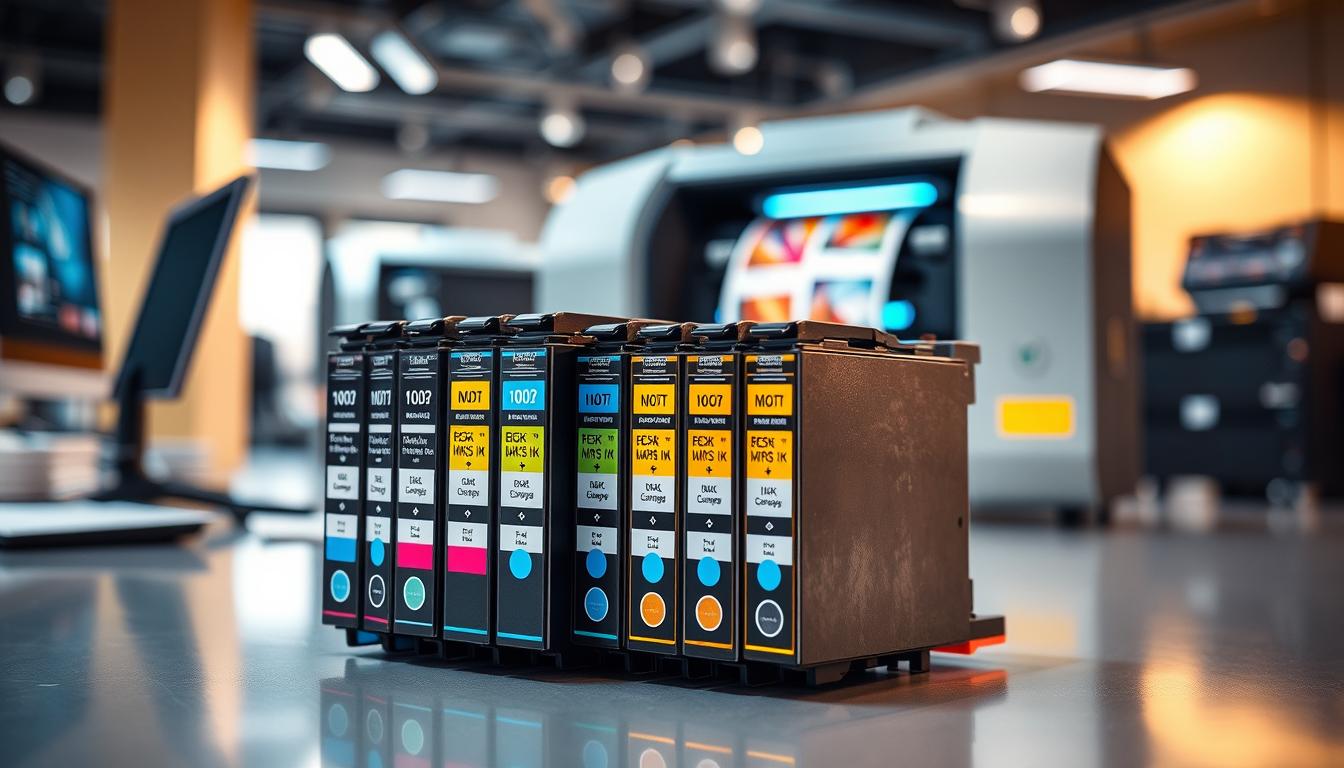
Third-party or compatible cartridges can save money, but quality varies wildly. Some work perfectly fine and can cut costs significantly. Others leak, produce poor print quality, cause printer damage, or fail prematurely. If a cheap cartridge breaks your printer or produces work you have to reprint, any savings evaporate.
How to fix it: Compare cost per page, not just sticker price. Look at page yield ratings—how many pages the cartridge is rated to print. For third-party cartridges, buy from reputable suppliers with good reviews and warranties. Track performance to see if the savings are real or if you’re dealing with more problems.
Mistake #10: Keeping Old, Inefficient Printers Too Long
Old printers have higher operating costs, lower efficiency, and worse print quality than newer models. They break down frequently, use more energy, and often have significantly higher cost per page.
Many businesses keep aging printers because “we already own it.” But when you calculate repairs, expensive consumables, energy waste, and lost productivity, replacement often makes financial sense.
How to fix it: Regularly evaluate your printer fleet’s performance and costs. If a printer requires frequent repairs or has high cost per page, upgrade. Consider leasing programs with regular equipment refreshes.
Mistake #11: No User Authentication or Access Control
When anyone can walk up to any printer and print anything, costs spiral quickly.
Without user authentication, you can’t tell who’s printing what. There’s no accountability. High-volume personal printing goes unnoticed. Confidential documents get sent to the wrong printer and abandoned, forcing reprints. Multiple people print the same document because no one knows who already printed it.
Secure print release—where jobs only print when users authenticate at the printer—solves multiple problems. It prevents abandoned prints, reduces personal printing, and ensures confidential documents don’t sit in output trays for anyone to see.
How to fix it: Implement user authentication on your printers. This can be as simple as PIN codes or as sophisticated as card readers or mobile authentication. Require users to be physically present at the printer before jobs print. This dramatically reduces wasted prints and improves security.
The Bottom Line
Printing costs don’t have to be a mysterious budget drain. Most excessive spending comes from avoidable mistakes that are easy to fix once you know what to look for.
Start by tracking your printing. You can’t manage what you don’t measure. Then tackle the basics: fix default settings, establish clear policies, and eliminate unnecessary printing. These changes alone can reduce costs by 20-30%.
Finally, take a strategic approach: calculate total cost of ownership, maintain equipment proactively, and replace aging printers before they become money pits.
Even small businesses waste thousands annually through poor printing practices. But implementing smart habits can save just as much—often while improving efficiency. Your employees spend less time on printer problems, documents are easier to find digitally, and your office has less clutter.
Start with one or two changes today. The savings add up faster than you think.